Watch
Your own
big-screen moment.

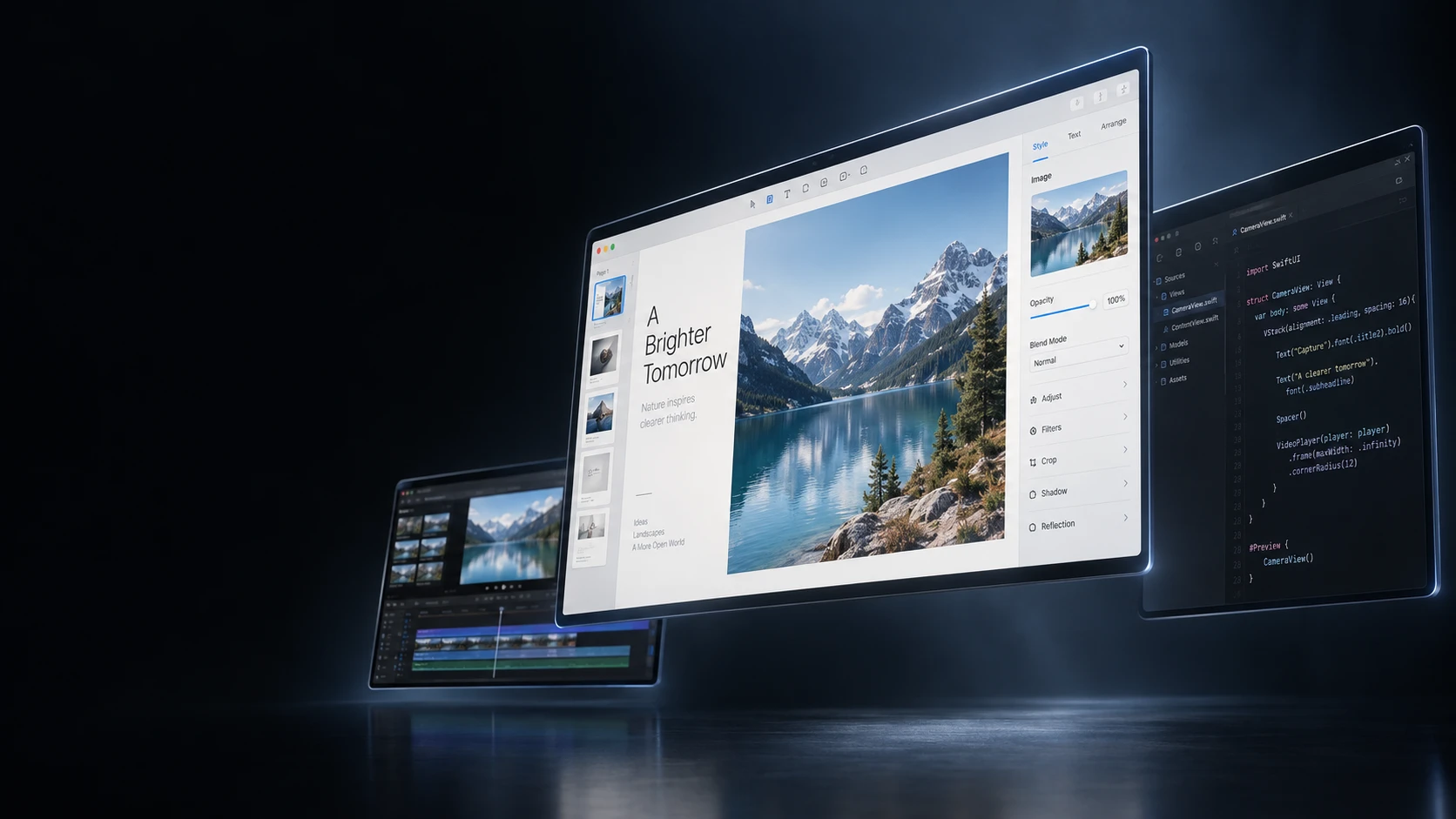
VisionDesk 3.0.1 A new perspective on your Mac.
Stream your Mac to Apple Vision Pro.
One workspace. Up to five separate displays.
One complete display, free. Mac companion included.
VisionDesk 3.0.1 is here.
Get the apps
01 Your spatial workspace
Live Mac displays, streamed into your space. Code, design, browse and watch side by side. Your apps keep running on your Mac. You get the room to use them.
A place for everything
you’re working on.

Room for another idea.
A balance of clarity and motion. Your Mac resolves the actual stream quality.
Five displays, arranged around you.
Move apps between separate displays, just as you would at your desk.
Give each display its own size, aspect ratio and curve. Keep the tools you need in view.
Save your arrangement as a workspace with Pro and bring it back when you need it.
Mac audio comes too.
Music, calls and video sound travel with your workspace.
Original demo audio · plays only when you choose
Mac Virtual Display is a great built-in way to bring one Mac display into Vision Pro. VisionDesk adds multiple separate displays, saved arrangements, Watch and customizable spatial controls.
| At a glance | Mac Virtual Display | VisionDesk |
|---|---|---|
| Displays | One, with wide and ultrawide options | One free; up to five with Pro |
| Layout | Move and resize one display | Place and arrange separate displays |
| Installation | Built into visionOS | Vision Pro app + free Mac companion |
| Connection | Apple’s built-in requirements apply | Pair on the same private network |
Get the highlights.
Explore each feature, right here.
Watch
Dock & Widget Studio
Live 3D
02 Watch · New in version 3
From your everyday workspace
to your own big-screen moment.
One screen comes forward.
The rest step aside.
Set the scene
Let the colors of your content light the space around the screen. Switch Glow on and off above to see the difference. In VisionDesk, you can also tune the glow and dim your surroundings independently.
03 Live 3D
Bring ordinary Mac content into another dimension. Switch to Live 3D below and watch the subject separate from the background.
Included with your free display.
Depth strength
A layered illustration of depth on a 2D screen. Live 3D estimates depth from your content. Native Side-by-Side and Over-Under playback is also supported.
04 Dock & Widget Studio
Know what’s next. Keep useful information close.
Choose the controls that work for you.
Friday, September 11
A soundtrack for your day.
One thought. A new direction.
A little space to make it happen.
MacBook Pro 72%
10:00–10:30 · In 19 minutes
Choose an action to preview.
Example connection
Interactive product visualization · example content
Your control Dock
Select a control in the preview.
Choose your controls. Reorder within each group.
Configuration preview · Widgets and Exit stay reachable. Some controls appear only in their relevant mode. Your control Dock applies to every workspace.
Choose the controls you use and arrange them in your preferred order.
Time, music, notes and more. Keep useful information within a glance.
Choose widgets for one workspace or everywhere. Your control Dock stays consistent.
Private by design
Your Mac streams directly to your Vision Pro
over an encrypted local connection.
Free. And room to grow.
Start with the full one-screen experience.
Upgrade when you need more room.
VisionDesk Free
Free
Everything you need to get a feel for a bigger workspace.
VisionDesk Pro
$59.99 / year
14-day trial for eligible new subscribers.
US pricing for the current release. Local pricing and trial eligibility are confirmed on the App Store. Subscriptions renew automatically unless cancelled.
Before you make room
An Apple Vision Pro, an Apple silicon Mac, and both devices on the same private network. Install VisionDesk on Vision Pro and the free Mac companion. Version 3 will require visionOS 27 and macOS 27; current release requirements are listed on the download page.
Yes. One complete display is free, including adaptive quality, audio, input and Live 3D. Pro is optional and adds more displays, Saved Workspaces and Precision Layout. The Mac companion is always free.
VisionDesk streams Mac displays, so your apps keep running on your Mac. Arrange them across your virtual screens as you would with physical monitors. Some protected video services do not permit screen capture.
Two apps. One workspace.
One download for Vision Pro. One for your Mac.
One complete display, free to start.